
Resources
Everything you need to know about secure document redaction.
Start here
The most-read guides on document redaction.
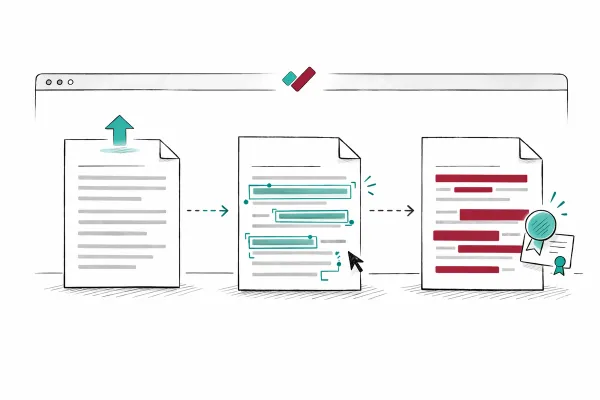
How to Redact a PDF So the Data Is Actually Gone
Drawing a black box over sensitive text in a PDF does not remove it. The text is still in the file, selectable and copyable by anyone with a basic PDF viewer. Genuine redaction permanently destroys the underlying data. Here's how to do it properly, whatever tool you're using and however many documents you're handling.
12 min read
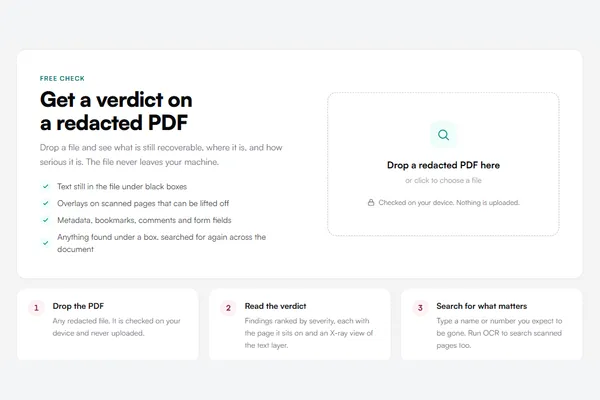
Redaction Checker: Find Out If a Redacted PDF Still Leaks
Most redaction checkers run a personal-data scanner over the whole document and hand you a long list of guesses. This one starts from the black boxes that are already there and asks a narrower question: is what sits under and around them really gone? It runs on your device, needs no account, and says what it checked and what it did not.
5 min read
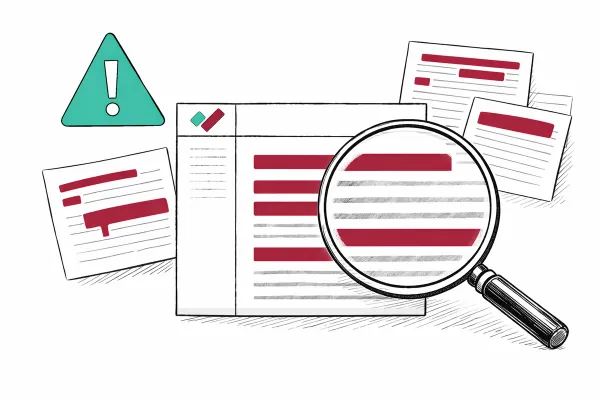
Five Redaction Mistakes That Expose Personal Data
Public bodies and law firms have been caught out by inadequate redaction - hidden text behind black boxes, overlay failures that anyone can reverse with a free PDF tool, metadata surviving the process entirely. These are the most common errors, illustrated by named cases.
9 min read
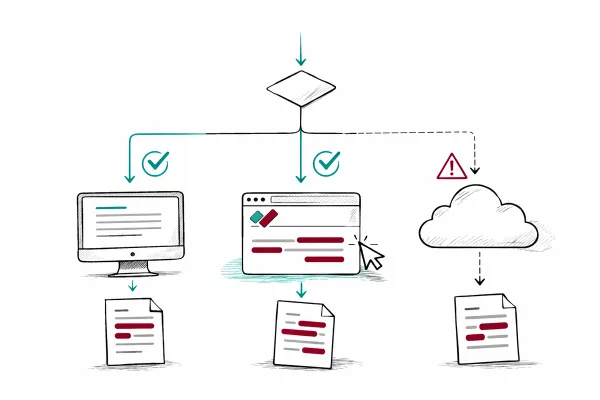
What to Look for When Choosing Redaction Software
Your firm has decided it needs a dedicated redaction tool. Maybe the volume of SARs has outgrown the manual-Acrobat approach. Maybe a near-miss with overlay redaction prompted a review. Whatever the trigger, you're now comparing products - and the feature lists blur together quickly. This guide cuts through the marketing to help you evaluate what actually matters.
5 min read
Comparisons
See how RedactProof stacks up against other solutions.
RedactProof vs Adobe Acrobat
Acrobat Pro's redaction relies on manual selection and regex pattern matching - you define what to find, one pattern at a time. Standard plan users don't get redaction at all. And the browser-based web app doesn't offer it either, desktop only.
6 min read
RedactProof vs Redactable
Both tools offer AI-powered PII detection - the difference is where processing happens. Redactable is cloud-native: your documents are uploaded to AWS. RedactProof is browser-native: files stay on your device throughout.
6 min read
RedactProof vs Foxit PDF
Foxit's manual redaction tools work locally and handle pattern-based searches well. Their AI-powered Smart Redact adds PII detection - but it uploads files to Azure and caps at 50 documents on the base Editor+ plan. RedactProof's AI runs in the browser with no upload and no quota.
6 min read
RedactProof vs Nitro PDF
Nitro's desktop app includes solid manual redaction that runs locally. Their AI-powered Smart Redact detects 30+ PII types - but it is a separate product that uploads documents to Azure for processing. RedactProof runs AI detection in the browser with no upload and no document quota.
6 min read
RedactProof vs Smallpdf
Smallpdf offers redaction as one tool among 47 in a general PDF platform. There's no automated PII detection - you find and mark everything manually. And every file you process is uploaded to their servers. If redaction is your main job, not an occasional one, there's a more direct route.
6 min read
RedactProof vs CaseGuard Studio
CaseGuard Studio is a powerful on-premise platform for video, audio, and document redaction on Windows. RedactProof is a browser-based document redaction tool with transparent pricing that requires no installation. Here is how they compare.
9 min read
RedactProof vs SafeRedact
Both tools keep your files in the browser. Only RedactProof keeps the text there too. The comparison is on detection breadth, audit trails, verification certificates, batch processing, and pricing model.
7 min read
RedactProof vs iDox.ai
iDox.ai brings enterprise compliance certifications and cloud processing. RedactProof keeps your files in the browser and off any server. Which approach fits your organisation depends on what your team actually needs.
7 min read
RedactProof vs Microsoft Word
Word has no built-in redaction feature. A black highlight over text is a formatting change: the words underneath are still there, selectable and recoverable. Court filings have leaked exactly this way. Word's Document Inspector cleans metadata, but for actual content redaction even independent guides on redacting Word documents agree the real redaction step needs a dedicated tool. RedactProof is that tool, and it runs in your browser with the document never leaving your device.
6 min read
RedactProof vs iLovePDF
iLovePDF is a solid general PDF toolkit, and its Redact PDF tool does remove content properly rather than just covering it. But the web tool processes your document on iLovePDF's servers, and its automatic detection covers three PII types: credit cards, phone numbers and emails. RedactProof detects 60+ PII types with the document never leaving your browser. Try it free on one document, no card and no upload required.
5 min read
RedactProof vs PDFescape
PDFescape's free online editor covers content with a whiteout box: the data underneath can remain in the file. Genuine permanent redaction is gated behind its paid Ultimate Desktop app, and the online editor stores your files on PDFescape's US servers in the meantime. RedactProof does true content removal in every tier, in your browser, with nothing uploaded. On Pro, every export includes a verification certificate, an Ed25519 signature and QR code, so recipients can confirm nothing changed after redaction.
5 min read
RedactProof vs PDF-XChange Editor
PDF-XChange Editor is the power user's bargain: a full Windows PDF editor with genuine content-removing redaction and a document sanitiser, for a one-time licence from $62, about £46. Its limits are the ones that matter for compliance work: Windows only, and redaction finds only the exact text you search for. RedactProof detects 60+ PII types automatically, in any browser on any machine, with a verification certificate on every export.
4 min read
RedactProof vs Tungsten Power PDF
Power PDF Advanced, formerly Kofax, is a capable Windows PDF editor with genuine redaction: search and redact across multiple documents, pattern matching, full-page redaction and Bates numbering, all processed locally for a one-time licence around £131. What it does not do is find sensitive content on its own. You define the searches. RedactProof detects 60+ PII types automatically in your browser, then you review and export with a verification certificate.
4 min read
RedactProof vs Objective Redact
Objective Redact is the established government redaction tool: a desktop application with FOI exemption codes, search and pattern redaction, and a vendor with decades of public-sector history. It is also quote-priced, IT-deployed and desktop-bound. RedactProof gives caseworkers automatic detection of 60+ PII types in the browser, published pricing, and a verifiable certificate on every export, working the same day, not the same quarter.
4 min read
RedactProof vs Files Editor
Files Editor is an online PDF service: every document you edit is uploaded to its servers, and its low-cost entry offer converts to an auto-renewing subscription that reviewers report at around $49.95 a month unless cancelled in time. RedactProof runs redaction entirely in your browser, shows the full price before you pay, and its free trial is one document, not a subscription clock.
4 min read
RedactProof vs PDFzorro
PDFzorro is a free online PDF editor with a blacken tool that draws a box over content. Independent analyses report that the text underneath stays in the file and can be recovered by selecting or extracting it. Your document is also uploaded to PDFzorro's servers to be edited. RedactProof permanently removes redacted content and does it in your browser, with nothing uploaded.
4 min read
RedactProof vs PII Anomalyzer
PII Anomalyzer gets the big thing right: documents are processed on your device, not in the cloud. The trade-off is a desktop install on Windows or macOS at $249 a year, about £184. RedactProof delivers the same local-processing principle in the browser: nothing to install, automatic detection of 60+ PII types, and a tamper-evident certificate on every export.
4 min read
RedactProof vs Philter Desktop
Philter Desktop shares RedactProof's core conviction: documents should be redacted on your computer, not on someone's server. The catch is that it is a Windows-only desktop install at $100 per user per year, about £74. RedactProof applies the same principle in the browser: Mac, Windows or Linux, nothing to install, automatic detection of 60+ PII types, and a verification certificate on every export.
4 min read
By application
How RedactProof fits specific teams and workflows.
For Legal teams
Disclosure, SAR and court bundles - redacted in your browser.
5 min read
For Healthcare professionals
De-identify patient records without uploading them anywhere.
5 min read
For Teams using AI
Strip PII before you paste into ChatGPT or Copilot.
6 min read
For Compliance teams
Subject access requests, handled without uploading a file.
5 min read
Guides
In-depth guides on document redaction and compliance.
How-To
Overlay vs Pixel-Burn Redaction: One Protects Data, One Doesn't
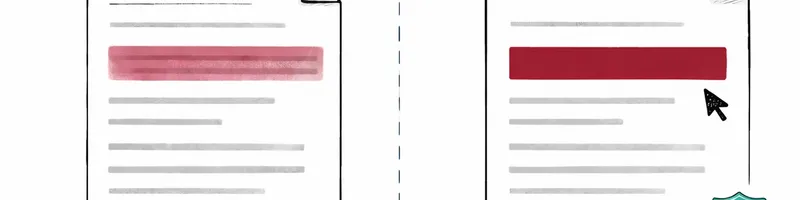
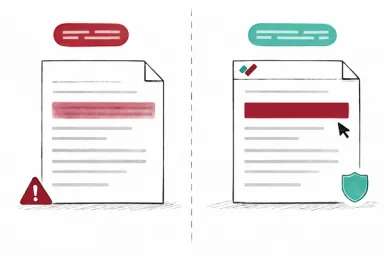
Two methods look identical on screen. A black bar covers sensitive text. But underneath, they're fundamentally different. Overlay redaction places a visual layer on top of text that remains in the file. Pixel-burn redaction replaces the text with image data, permanently destroying it. Which one your tool uses determines whether your redacted documents are actually safe to share.
4 min read
Redaction Verification Certificates
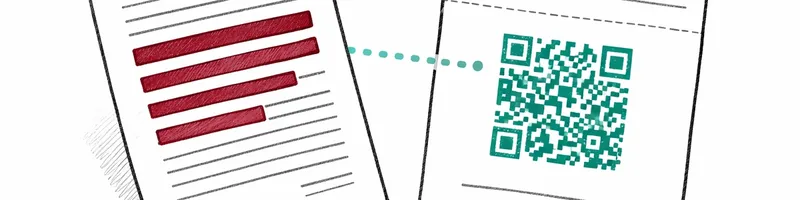
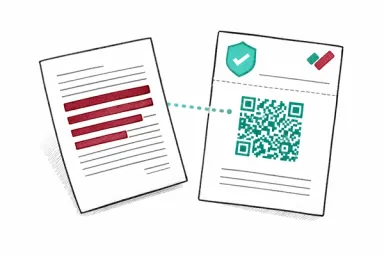
If someone questions whether a redacted document has been modified after export, you need tamper evidence. RedactProof generates Ed25519 digital signatures and SHA-256 hashes for every export, giving recipients a way to independently check document integrity.
6 min read

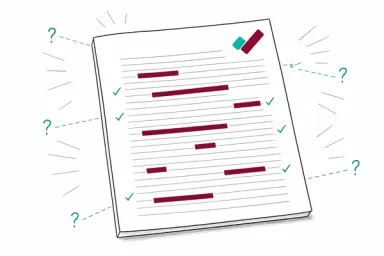
AI-Powered Redaction: How Automatic PII Detection Works (And When You Still Need a Human)
Automated redaction tools can flag hundreds of personal identifiers in seconds. But they fail in specific, predictable ways - and knowing which ones tells you exactly when human review cannot be skipped.
10 min read
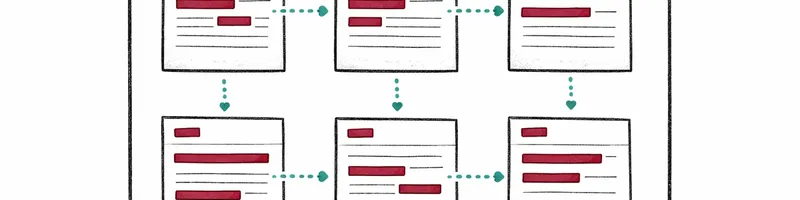
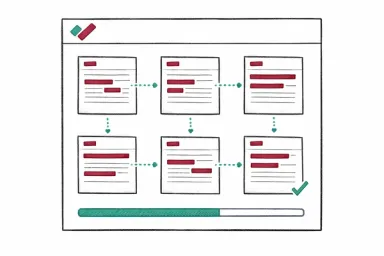
Bulk Redaction: How to Process Multiple Documents in One Session
A paralegal handling a Subject Access Request sits down with 14 documents. Employment contracts, disciplinary notes, emails, a medical referral. Each document needs the same names redacted, the same NI number caught, the same home address removed. Doing them one at a time means repeating the same approvals 14 times.
6 min read
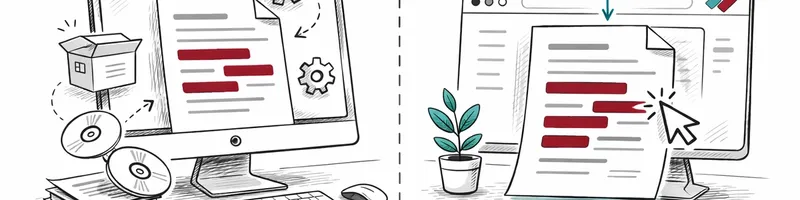
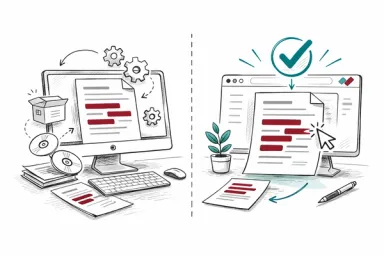
Browser-Based vs Desktop Redaction: A Practical Comparison
Desktop redaction tools have been the default for years. Adobe Acrobat, Foxit, Nitro - install the software, open the document, draw your redaction boxes. Browser-based tools are newer. They run in your web browser without installation. Both can do the job. The question is which fits your specific working situation.
4 min read
How to Redact Documents for Court Filing: Step-by-Step Guide
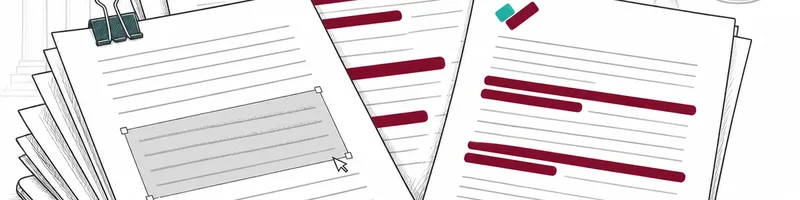
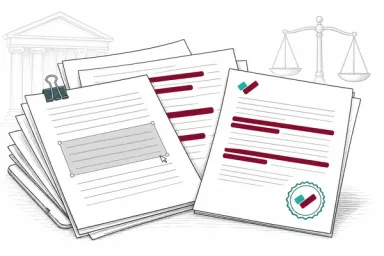
Court clerks reject filings, and judges issue sanctions when redaction goes wrong. This guide covers what UK CPR and US FRCP rules require you to remove, why the wrong tool creates real liability, and a practical workflow for consistent results.
9 min read

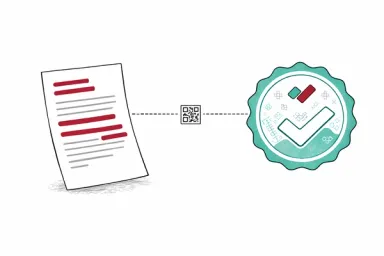
Verifying That a Redacted Document Hasn't Been Tampered With
You've redacted a document and shared it. The recipient questions whether the document has been altered since it was sent - whether content was added, removed, or modified after the fact. Without a verification mechanism, it's your word against their suspicion. Cryptographic verification certificates solve this by providing mathematical evidence of document integrity.
4 min read

How to Securely Disclose Documents to the Public
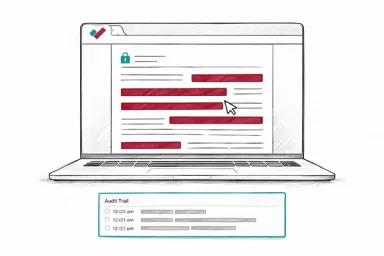
A local authority publishes 200 pages of planning documents on its website after redacting the objectors' names and addresses. Within hours, a member of the public discovers that selecting the black boxes and pasting into a text editor reveals every name underneath. The authority has to pull the documents, notify the ICO, and contact every affected individual. The redaction looked right. The disclosure process was wrong.
7 min read
Compliance
Redacting Documents for SAR, DSAR, and FOI Disclosure
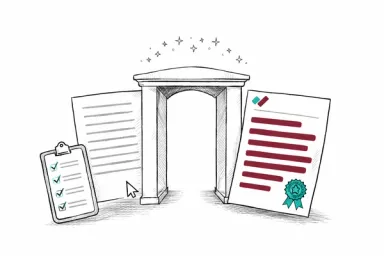
FOI requests carry a 20-working-day deadline under the Freedom of Information Act 2000. SARs and DSARs under UK GDPR give you one calendar month. Both require reviewing potentially large volumes of documents, identifying what must be removed, and applying permanent redaction before anything leaves the building. Getting it wrong is a data breach - and in some cases, an ICO enforcement action.
11 min read

Subject Access Request Redaction Software
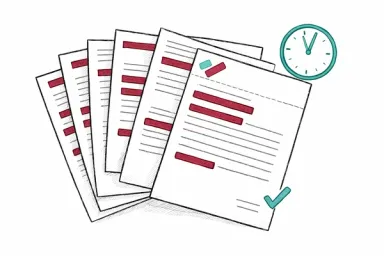
A subject access request turns a folder of everyday documents into a disclosure exercise with a one-month deadline. This page is about the software side of that: what the job demands of a redaction tool, why it matters where your bundle gets processed, and how RedactProof is set up for it.
5 min read

What Counts as Personal Data - and What to Do About It
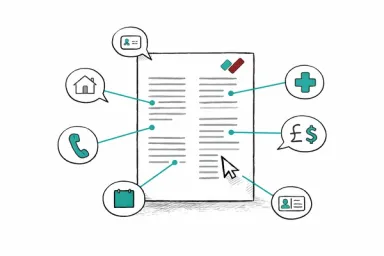
An HR administrator at a recruitment agency sends a reference to a new employer. The reference includes the candidate's name, date of birth, National Insurance number, and absence record. All of that is personal data - personally identifiable information (PII) - and all of it is regulated. Knowing what qualifies as PII is the starting point for handling it properly.
4 min read

How to Build a Document Redaction Policy: Template and Checklist
A practical redaction policy skeleton with ten sections, bracketed placeholders, and commentary. Covers approved tools, authorised personnel, audit trail, training, escalation, and retention.
11 min read
Redacting Audit Reports, Regulatory Filings and Investigation Files
Compliance teams share audit reports, regulatory submissions, and investigation files with external bodies who have no right to see every word. This guide covers what to remove, why the process needs to be defensible, and the two very different things "SAR" can mean.
9 min read
Redacting Documents for Canadian Access to Information Requests
A federal department receives an ATIA request for all correspondence about a cancelled procurement contract. The file runs to 400 pages and includes internal policy advice, third-party commercial proposals, legal opinions, and emails between officials. Some pages can be released in full. Others contain information protected by specific exemptions. Most fall somewhere in between - partially disclosable, once the protected portions are removed. The department has 30 days to get it right.
9 min read

Redacting Personal Information Under PIPEDA
A property management company in Toronto receives a tenant's request for all records held about them. The file includes lease agreements, maintenance logs, payment records, and internal emails between staff discussing a noise complaint. Some of those emails mention other tenants by name. Canadian privacy law - specifically PIPEDA - sets out what the company must disclose, what it must protect, and how to handle the overlap. Getting the redaction wrong risks a complaint to the Office of the Privacy Commissioner.
9 min read
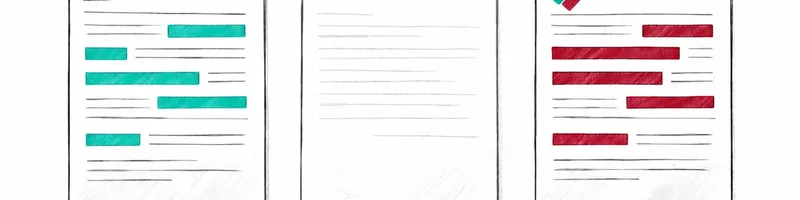
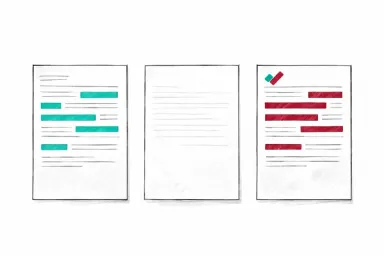
Pseudonymisation vs Anonymisation vs Redaction: What the Differences Mean for Your Documents
A data protection officer at a mid-size insurer is asked three different questions in the same week. The marketing team wants to use customer data for analytics without consent. The legal team needs to disclose claim files in litigation. And a researcher at a partner university wants access to historical policy data for an actuarial study. Each scenario calls for a different technique - pseudonymisation, anonymisation, or redaction - and choosing the wrong one creates either a compliance gap or unnecessary data loss.
8 min read
Industry
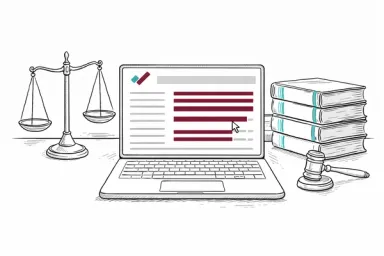
Choosing Redaction Software for Your Law Firm
Most legal professionals redact documents weekly - during SAR responses, litigation disclosure, or FOI processing. Picking the wrong tool means either paying too much, uploading confidential files to external servers, or a paralegal spending hours on manual work that should take twenty minutes. This guide covers what to look for, how solo practitioners and paralegals differ from enterprise eDiscovery users, and how the main options compare.
4 min read
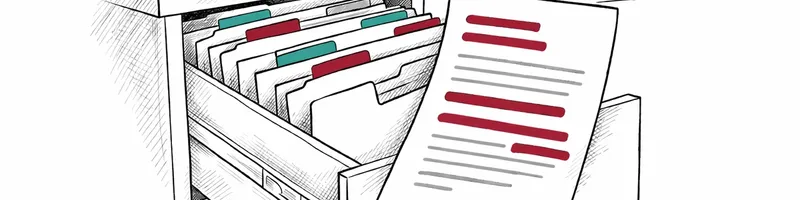
Redaction for HR: Employee Records, SARs, and Tribunal Bundles
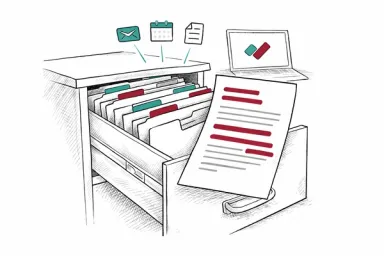
HR departments handle some of the most sensitive personal data in any organisation. Disciplinary records, health information, salary details, grievance files - all of it regulated, all of it potentially subject to disclosure. When a former employee submits a Subject Access Request or a case goes to tribunal, someone in HR has to redact the documents. That someone is often working against a deadline and without dedicated redaction tools.
7 min read
How to Redact Contracts Before Sharing With Counterparties and Regulators
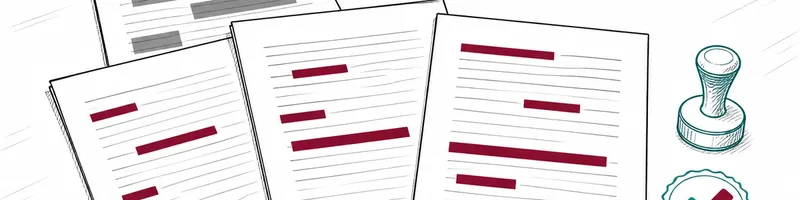
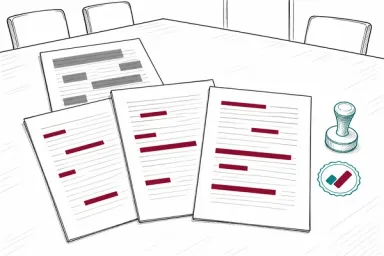
Overlay redaction - drawing black boxes in Word or a PDF editor - leaves text selectable underneath. For in-house teams sharing contracts with counterparties, regulators, or courts, this guide covers what proper redaction looks like and where it typically breaks down.
12 min read
How to Redact Insurance Claim Documents: PII Protection for Claims Handlers
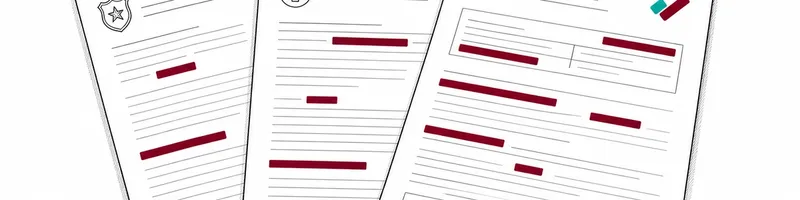
Insurance claim files are among the most data-dense documents in any industry - one motor claim can contain personal data for a policyholder, claimant, witnesses, a GP, and a solicitor. This guide covers what to redact before each type of third-party disclosure.
12 min read
Redacting Tax Returns and Financial Documents: Guide for Accountants
Tax files are packed with identifiers - UTRs, NI numbers, bank details - that your client never intended to share beyond HMRC. This guide walks through what to redact before a document leaves your office, and how to do it without creating a liability.
10 min read

Estate Agent's Guide to GDPR Document Redaction
Tenancy applications, Right to Rent packs, referencing reports - every property transaction generates a file full of personal data belonging to people who had no choice but to hand it over. This guide walks through what UK GDPR actually requires from agents before those documents move.
10 min read
How to Redact CVs and Candidate Documents: GDPR Guide for Recruiters
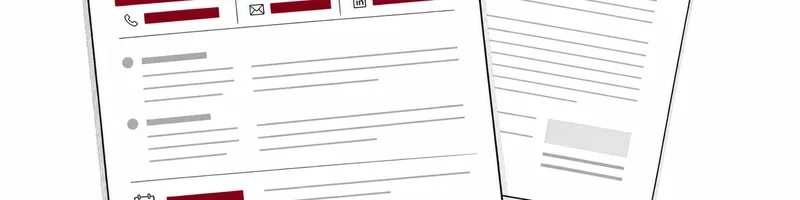
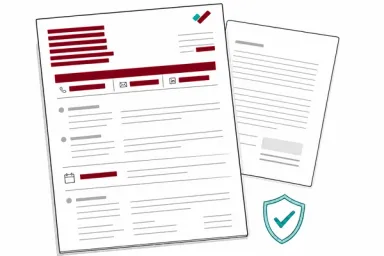
Most agencies have a CV redaction process. Fewer have thought through right-to-work checks, DBS certificates, or written references - documents that carry stricter handling rules where a mistake is a data breach, not just an oversight.
8 min read
Secure Document Redaction for Journalists: Protecting Sources When Publishing
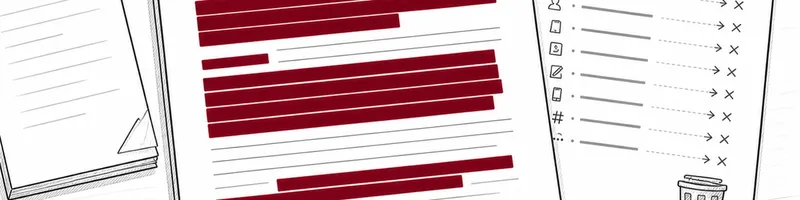
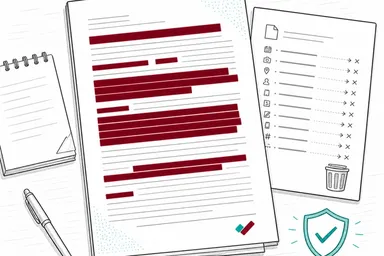
When a document leaves your device for a third-party server, it creates a chain of custody you cannot control. For journalists working with source-sensitive materials, the architecture of your redaction tool is as important as the redaction itself.
12 min read
Student Record Redaction: GDPR and FERPA Compliance for Schools
From SAR responses to SEND tribunal bundles and safeguarding referrals, schools hold some of the most sensitive data in any sector - often with limited resources. This guide covers what to redact, when, and the different rules that apply in the UK and US.
9 min read
Ready to get started?
Create a free account and start redacting documents securely in your browser.