
Legal Redaction Software: What Law Firms and Solo Practices Should Look For
Attorneys and paralegals redact documents constantly - for discovery production, FOIA responses, and privacy access requests. Enterprise eDiscovery platforms are built for Biglaw litigation departments, not solo practitioners or paralegals with ten documents to process this week. This guide covers what features actually matter, how costs compare, and which tools suit which workloads.
By RedactProof Editorial Team · Feb 18, 2026 · Updated Sep 6, 2026 · 4 min read
The one fact that decides everything
A black box drawn over text in most PDF editors is a picture. The words underneath are still in the file - selectable, copyable, searchable. Real redaction destroys the text layer and replaces it with pixels. The trade term is pixel-burn.
Courts have sanctioned parties over recoverable text behind redaction marks, and it surfaces in discovery more often than anyone admits. If a produced document still carries the text, that is a disclosure, not a formatting error.
| The job | Why it is hard by hand | What to look for |
|---|---|---|
| Discovery production | A name on page 180 is as much a disclosure as one on page 1 | Automatic detection across the production set, reviewed by a person |
| FOIA response | Exempt material comes out; the rest must survive scrutiny | Approve or reject each detected item, not blanket find-and-remove |
| Court filing under FRCP 5.2 | A filing bounced for bad redaction costs you days | Pixel-burn export, verified before it leaves the building |
| Privileged material | Uploading client files to a vendor is itself a disclosure | Processing on your own device, inside your own network |
| The awkward question later | "Has this changed since it was exported?" | A certificate that answers it with cryptography, not memory |
A paralegal's week
Attorneys set the policy. Paralegals process the documents. A normal week might hold a production set, two FOIA responses, an HR investigation file and a stack of financial statements for a lender - and most redaction software assumes whoever opens it has time to draw boxes around every name across 200 pages.
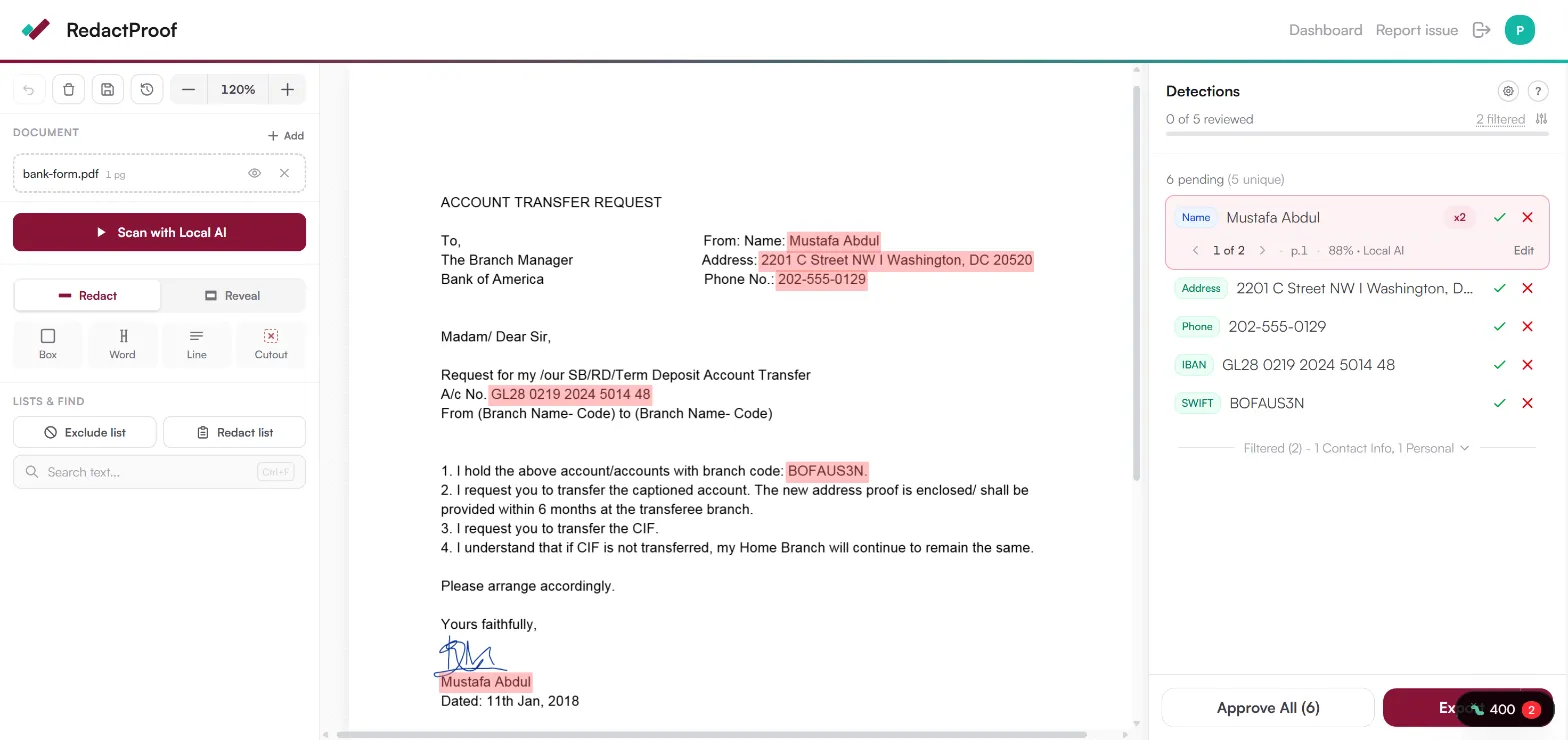
Automated detection flips the job. A 90-page lease carries dozens of names, addresses and SSNs scattered through the riders. Detection flags the lot with confidence scores; you review and confirm instead of hunting. Discovery drops from forty minutes to five. The judgment stays human - the hunting doesn't.
What you need - and the enterprise features you don't
Relativity, Everlaw and Disco are built for litigation support teams processing millions of documents: custodian management, legal holds, predictive coding. Real features - for that job. A solo practice or a paralegal with ten requests this week pays for all of it and touches none of it, on a custom quote with an annual contract.
The short list that actually matters:
- Pixel-burn redaction that permanently destroys the text
- Automated detection that knows US document types - leases, court forms, medical records, HR files
- Nothing to install and no IT approval - it works in the browser on whatever machine you're at
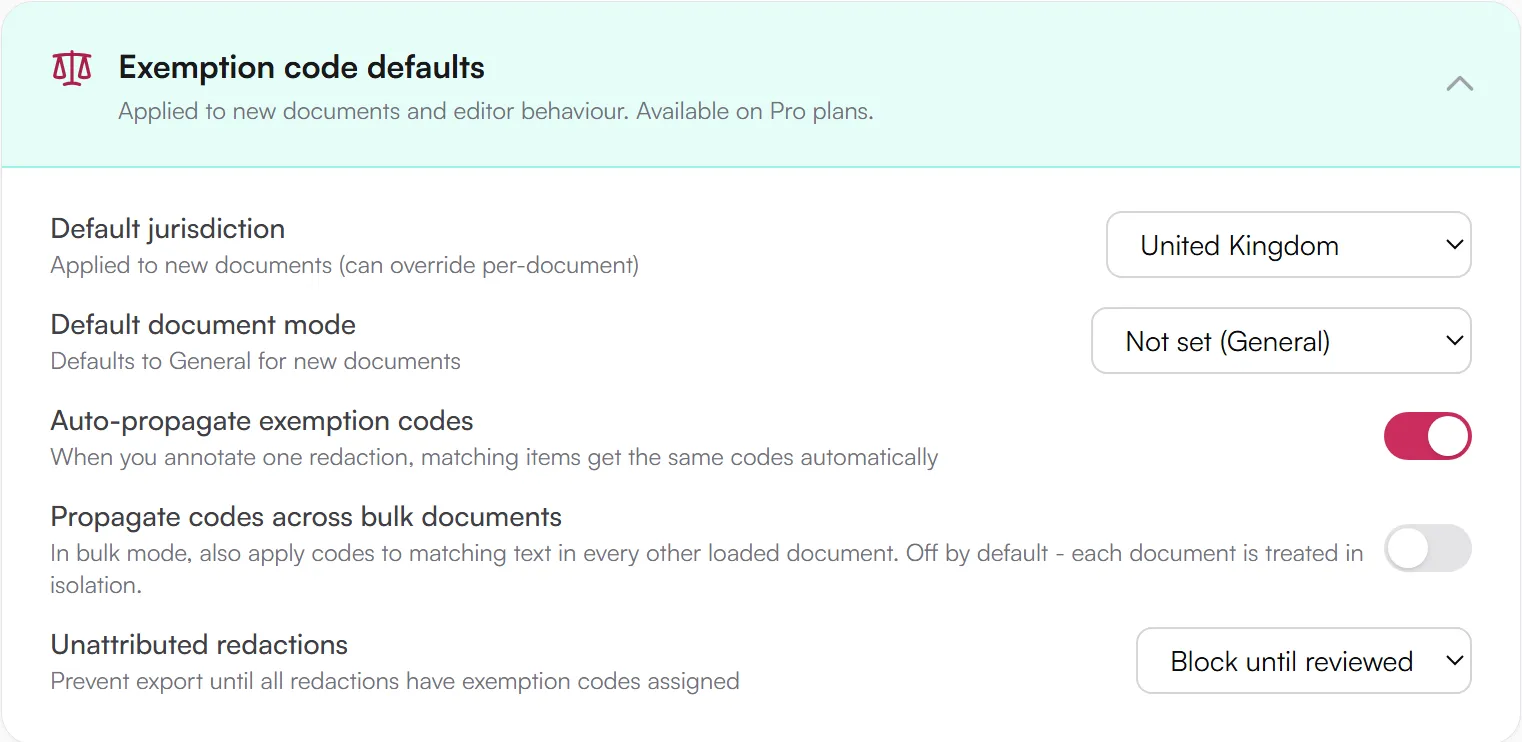
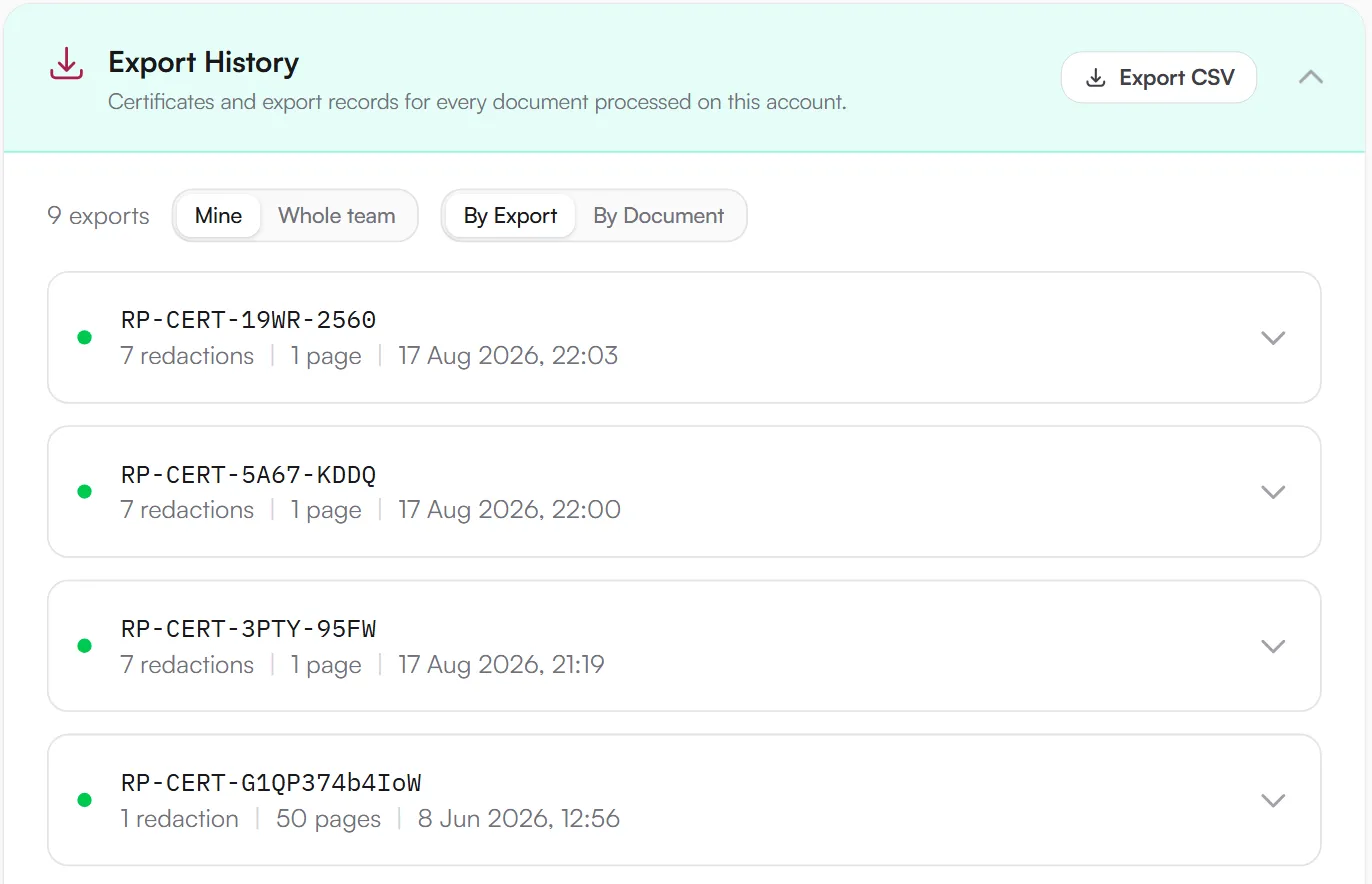
- A dated, signed certificate for every export, for the day opposing counsel asks
- Pricing a small practice can say yes to without a procurement cycle
The privileged production set is uploaded to the vendor's servers before anything is redacted
The set stays in your browser; detection and redaction happen on your device
How the main options compare
Adobe Acrobat Pro - the tool most firms already have. Its redaction is genuine pixel-burn and it works. There is no automated detection: someone draws every box on every page, and on a 200-page production that is the whole afternoon. Full Acrobat comparison.
Redactable - purpose-built, AI detection, handles bulk well. The trade-off: your documents are uploaded to its servers for processing, which is a real conversation for privileged material. Redactable comparison.
RedactProof - detection, review and pixel-burn in the browser; files never leave your device. Automatic detection of 60+ PII types with confidence scores, exemption codes for FOIA and privacy request work, Bates numbering for productions, and a tamper-evident certificate on every export.
Foxit and Nitro - desktop editors with Acrobat-style manual redaction; their AI add-ons upload to Azure with document caps. See the Foxit and Nitro breakdowns, or the wider browser vs desktop comparison. The full field is in our roundup of 19 redaction tools.
The four-check trial
Before committing, run one real (or realistic) document through any tool on the shortlist:
- Feed it mixed PII - names, addresses, dates of birth, SSNs - and score what it catches
- Open the output in a different viewer and try to copy text from behind the marks
- Check where processing happens against your data handling policy - especially for anything privileged
- Price it at your real volume - per-document fees bite on recurring request work. The buyer's guide has the full framework
Try it free
Open a production with the litigation profile on
Every account starts with one source document free, with the full Pro feature set and unlimited re-exports of that document. This opens the editor with the litigation bundle profile applied - Bates numbering, attributed redactions and the audit ZIP, set up the way a production team would run it.
- Bates numbering
- Audit ZIP with every export
- Attributed redactions enforced
No card. Processed in your browser; nothing is uploaded.
Then get the workflow right
Good software still produces flawed productions when the process around it is broken. Gather the full review set, convert stray formats (Word files with tracked changes are a known trap), run detection, review for exemptions and contextual identifiers, burn, verify, release. The disclosure workflow guide walks each stage. The first one takes longest; by the tenth it should be mechanical.
DisclaimerThis guide is for informational purposes only and does not constitute legal, medical, or professional advice. Consult a qualified professional for advice specific to your situation.
Frequently Asked Questions
Is overlay redaction ever acceptable for legal production or FOIA disclosure?
For FRCP discovery production, FOIA responses, or any external disclosure, overlay redaction is not adequate. It leaves the underlying text recoverable by anyone with a basic PDF editor. Courts have sanctioned parties for inadvertent disclosure caused by overlay redaction. Pixel-burn redaction permanently destroys the text layer and is the only approach that holds up under scrutiny.
Do solo attorneys and paralegals need enterprise eDiscovery platforms?
No. Enterprise eDiscovery platforms - Relativity, Everlaw, Disco - are designed for large-scale litigation involving millions of documents. Solo practitioners and paralegals handling occasional discovery, FOIA requests, or privacy access requests need: reliable pixel-burn redaction, automated detection covering SSNs and other common US PII types, and straightforward workflow at a price that makes sense for a small or solo practice. The enterprise feature set adds cost and complexity that doesn't map to smaller-volume work.
Do I need verification certificates for every redacted document?
There's no universal legal requirement for verification certificates on redacted documents. They're useful when you need to demonstrate that a document is exactly what was exported - during litigation disclosure, for instance, or when responding to regulatory requests. If the other party or a court questions the integrity of your redacted documents, a verification certificate provides dated cryptographic evidence. Some firms include them as standard practice for any external disclosure.
Can browser-based tools handle large document bundles?
Yes. RedactProof processes documents in your browser using your device's resources, so performance scales with your hardware. A modern laptop handles multi-hundred-page PDFs without difficulty. For very large bundles - thousands of pages - processing in batches is more practical than loading everything simultaneously. The advantage of browser-based tools for legal work is that no installation or IT approval is required, which matters in firms with locked-down IT environments or for paralegals working across different offices.
What if our firm already pays for Adobe Acrobat?
Many firms have Acrobat licenses for general PDF work. Acrobat's redaction feature is genuine pixel-burn and works correctly. The gap is efficiency: Acrobat has no automated PII detection, which means someone reviews every page manually. For firms processing more than a handful of documents monthly, a tool with AI detection pays for itself in time saved. Some firms use Acrobat for general PDF editing alongside a dedicated redaction tool for the actual redaction work.
Related Documentation
See it in action
Upload a document and let RedactProof find the sensitive data. Free to start, no card required.